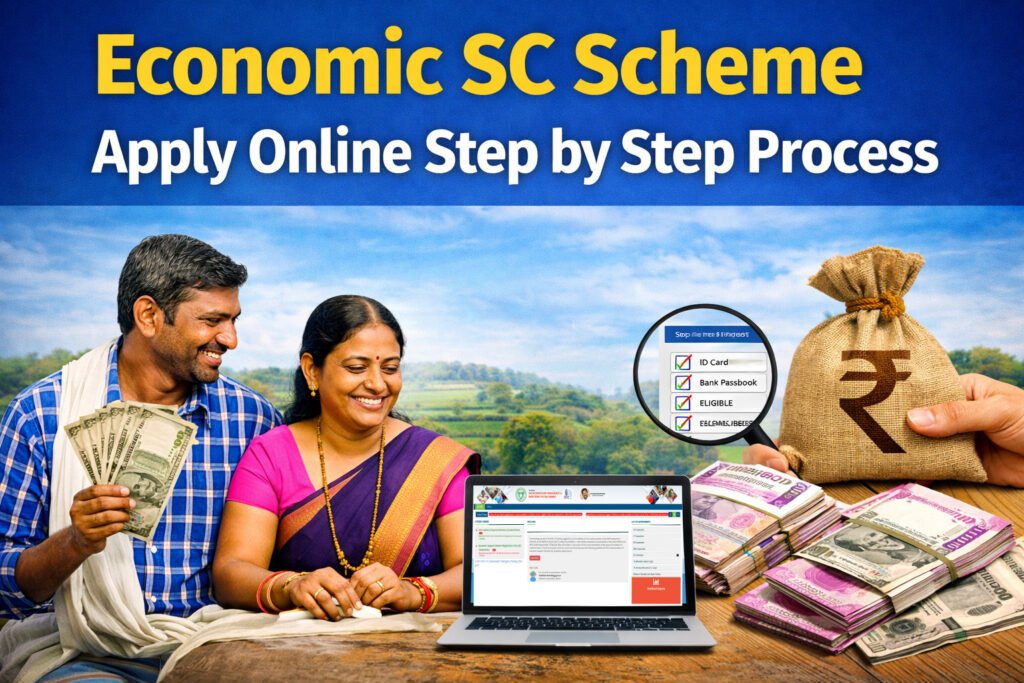
Economic SC Scheme Apply Online Step by Step guide
Telangana me SC scheme ke liye apply karne ke liye applicants ko TG OBMMS portal ka use karna hota hai. Ye ek official online system hai jahan poora application process digital tareeke se complete hota hai.
Is guide me aapko real portal flow ke hisaab se step by step process samjhaya gaya hai.
Apply karne se pehle kya ready rakhe
Application start karne se pehle ye cheeze ready rakhe
- Aadhaar-linked mobile number
- Aadhaar number
- Food Security Card number
- Bank account details
- Basic personal details
👉 Isse application fast aur smooth hota hai
Economic SC Scheme Apply Online Step by Step Process
Step 1: TG OBMMS portal open kare
Sabse pehle official TG OBMMS website open kare aur SC Corporation registration option select kare
Step 2: Aadhaar number enter kare
- Aadhaar number enter kare
- As per adhaar name fill kare hone ke baad verification complete kare
👉 System automatically Aadhaar details validate karta hai
Step 3: Food Security Card number enter kare
- Ration card number automatically fill hota
- System family details fetch karta hai
👉 Ye auto data system ka important part hai
Step 4: Beneficiary Type select kare
- Individual ya group option select kare
Step 5: Type of Financial Assistance select kare
- Bank Linked Schemes select kare
👉 Ye indicate karta hai ki scheme subsidy + loan model par based ho sakti hai
Step 6: Sector select kare
Portal me aapko sector choose karna hota hai
- Agriculture Sector
- Transport Sector
Step 7: Scheme select kare
Sector choose karne ke baad scheme options aate hain
- EV Two Wheeler
- EV Three Wheeler
- Other available units
Step 8: Location details fill kare
- District
- Mandal
- Village
Step 9: Sector details fill kare
- Unit cost
- Subsidy-related fields
- Bank details
Step 10: Applicant details fill kare
- Name
- Father’s name
- Income
- Caste
- Occupation
Step 11: Address details fill kare
- Full address
- Residential details
Step 12: Documents upload kare
- File formats: PDF, JPG, jpeg, png
- Size: 50kb se 500kb
👉 Clear aur valid documents upload kare
Step 13: Self Declaration accept kare
- Declaration checkbox tick kare
- Details confirm kare
Step 14: Final submit kare
- Preview check kare
- Submit button click kare
- Application reference number save kare
Application submit karne ke baad kya hota hai
- Application system me register hota hai
- Verification process ke liye forward hota hai
- Aap future me status check kar sakte hain
Important Tips
- ✔ Aadhaar aur mobile linked hona chahiye
- ✔ Data carefully fill kare
- ✔ Documents clear upload kare
- ✔ Final submit se pehle preview check kare
Related Guides
- Telangana SC Corporation Economic Support Scheme Complete Guide
- SC Economic Support Scheme, Telangana Eligibility Criteria Explained
- TG OBMMS Application Status Check Guide
Conclusion
TG OBMMS SC Scheme Apply Online process simple hai lekin har step correctly follow karna zaroori hai. Aadhaar verification se lekar final submission tak proper information dena approval process ke liye important hota hai.
FAQs
Q1 Economic SC Scheme Apply Online step by step kaise karen?
Applicants TG OBMMS portal par Aadhaar verification ke baad form fill karke apply kar sakte hain.
Q2 Economic SC Scheme Apply Online step by step me Aadhaar zaroori hai kya?
Haan, Aadhaar verification process ka main part hai.
Q3 TG OBMMS SC Scheme Apply Online me ration card kyu zaroori hai?
Ration card se family details auto fetch hoti hain.
Q4 Economic SC Scheme Apply Online step by step me scheme kaise select kare?
Applicant sector choose karne ke baad available schemes me se select kar sakta hai.
Q5 Economic SC Scheme Apply Online step by step ke baad kya hota hai?
Application verification process ke liye forward ho jata hai.